Food courts & malls
Food court ordering system
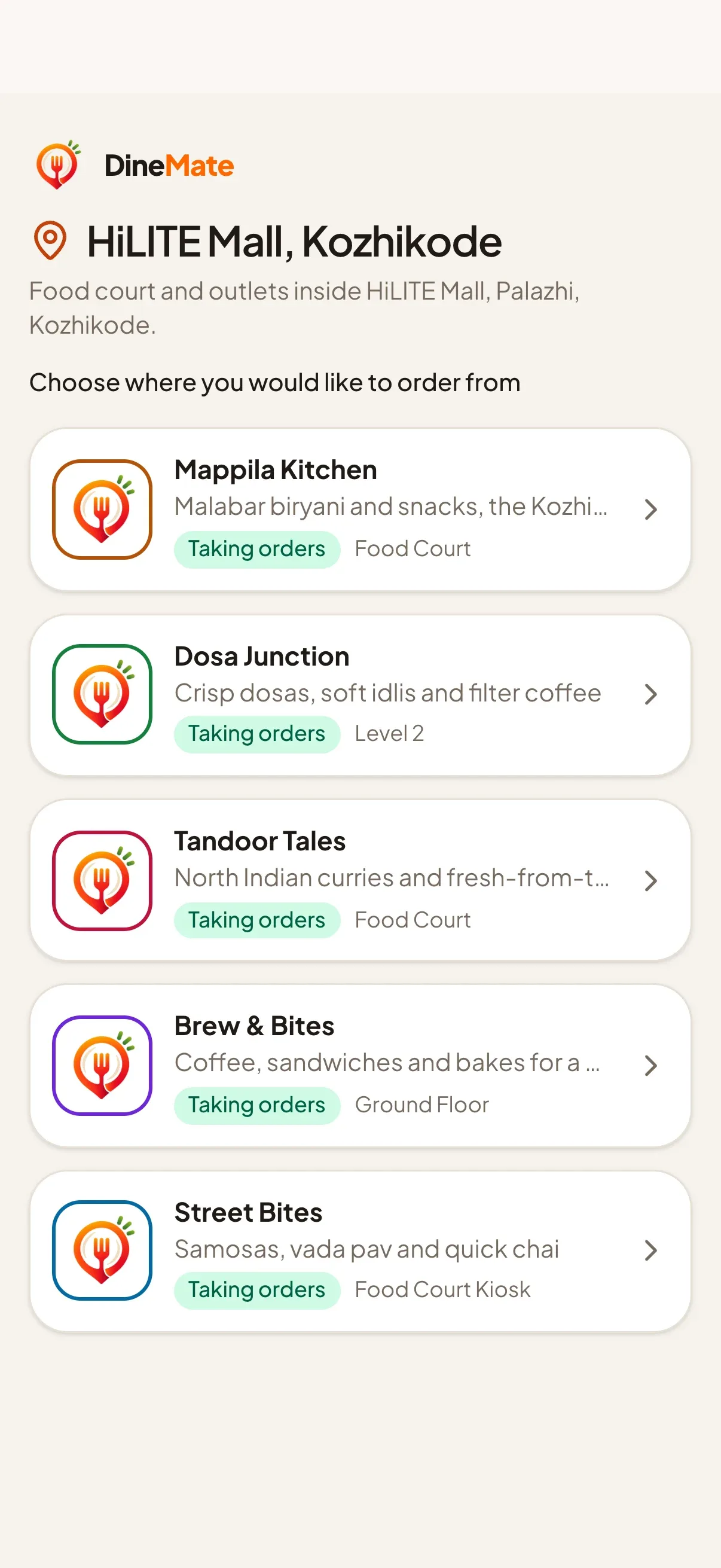
One code at the entrance, every outlet discovered. Guests choose a restaurant first, then order from its own menu.
14-day free trial. No credit card needed.
Last updated
How a zone works
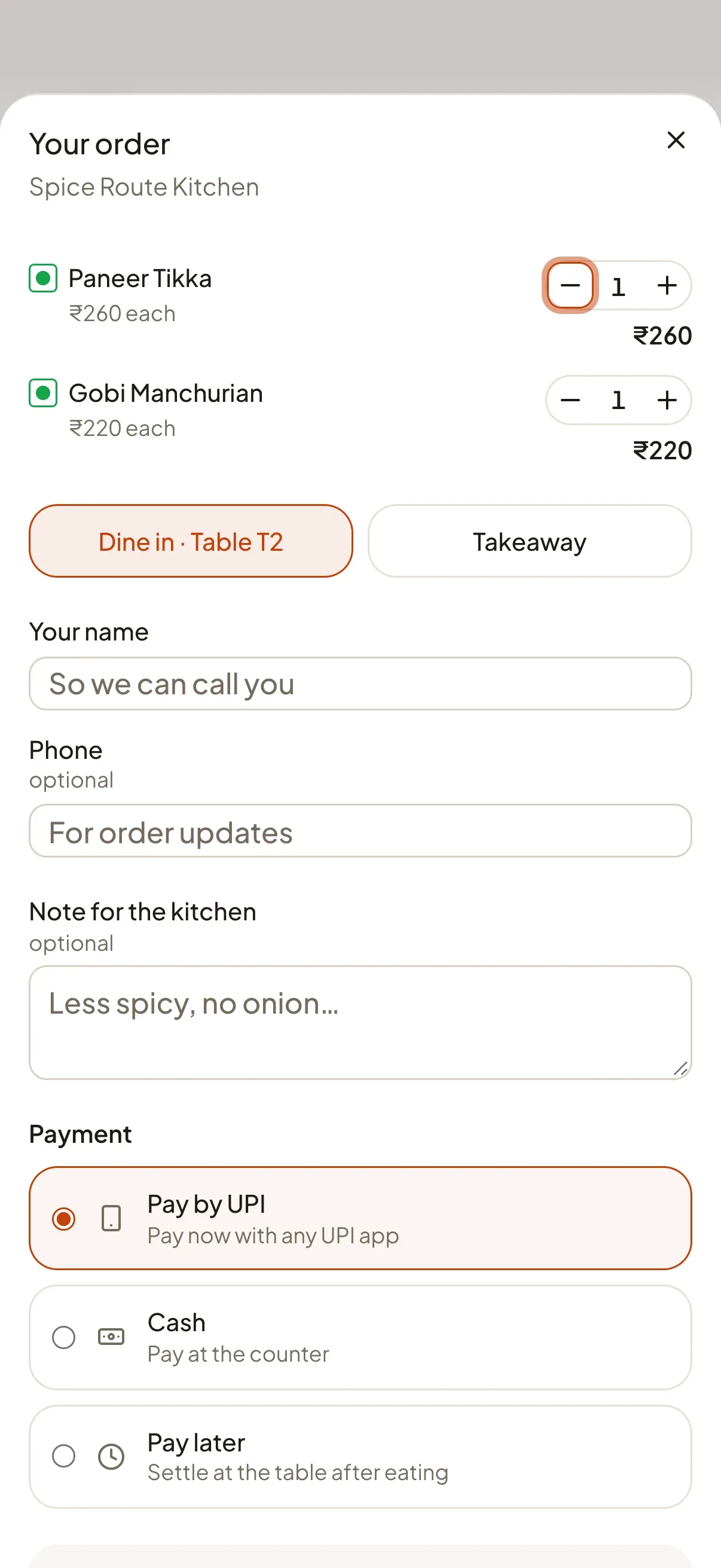
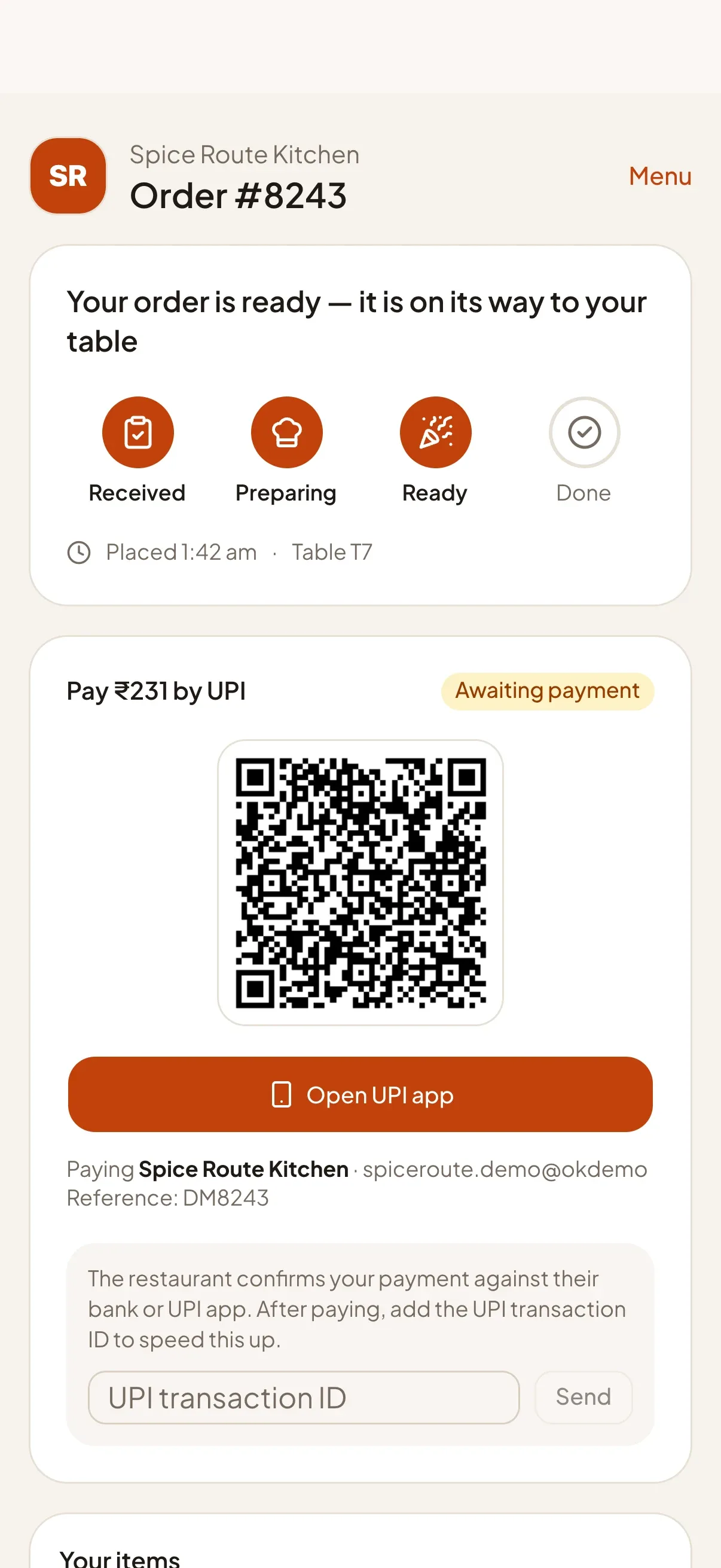
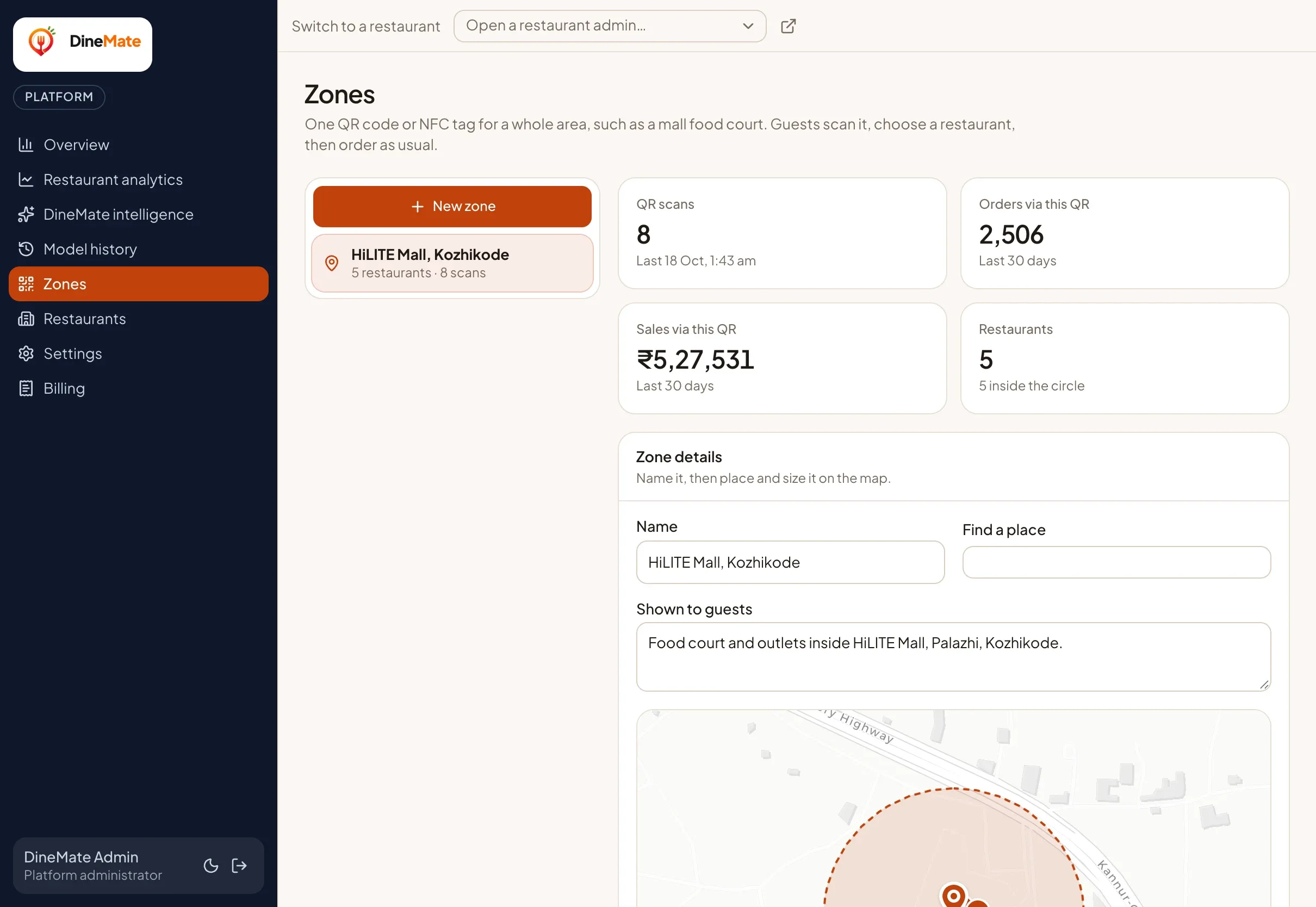
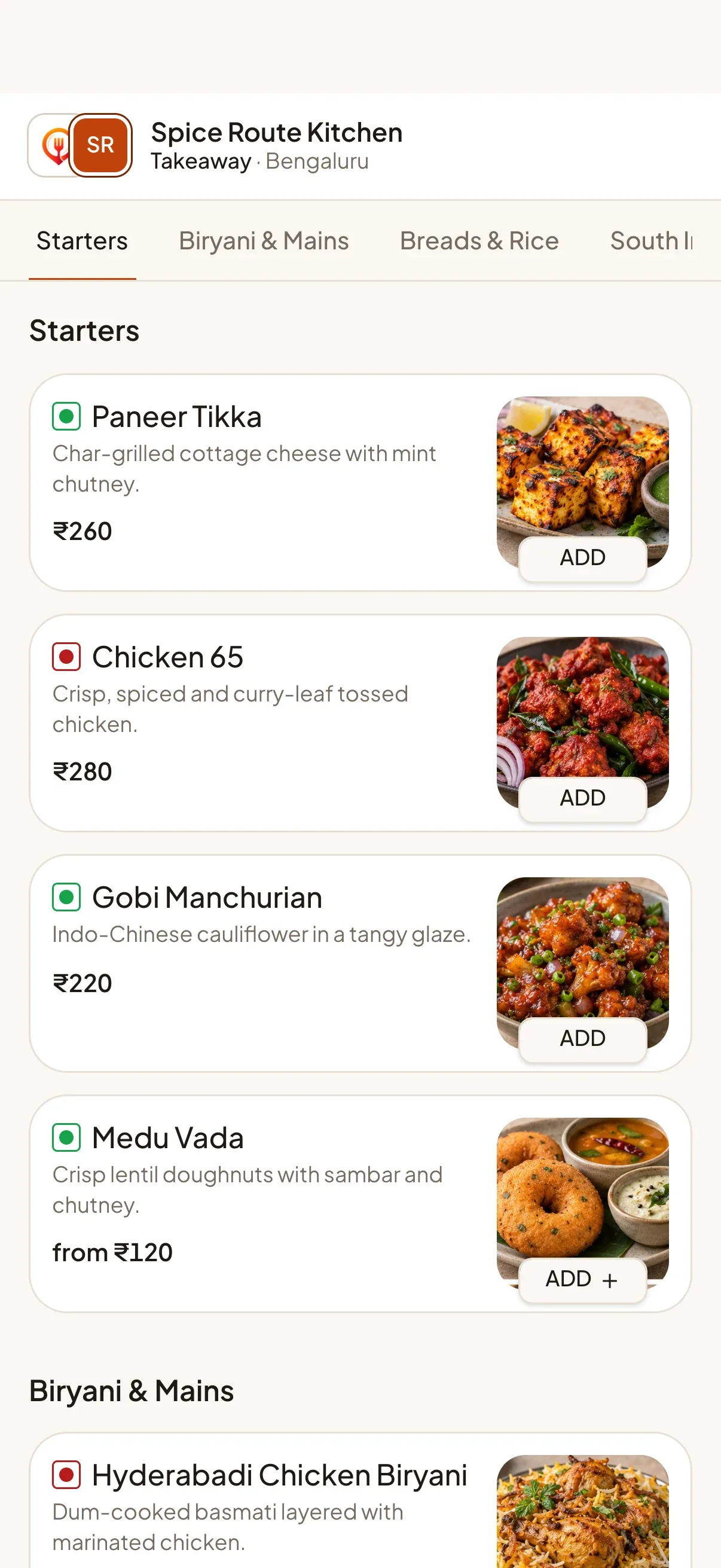
A zone is an area, such as a mall or food court, drawn on a map by our team. You print one QR code or write one NFC tag for it. When a guest scans it, they see the zone’s open restaurants first and pick where to order. From there it is the normal ordering flow for that restaurant, with its own menu, kitchen board and UPI payments.
What each side gets
- Guests: one scan instead of walking past every counter, and a live view of who is open.
- Restaurants: keep their own kitchen, menu and payments. Nothing is pooled.
- Operators: see scans, orders and sales per zone, so you know what the code brings in.
Privacy
Guests do not create accounts. Nothing about a guest’s location is sent to our server; any distance check happens in the browser.
Getting started
Zones are managed by the DineMate team. Tell us about your mall or food court on WhatsApp or by email and we will set it up with you.
// Features
The features behind it
Each one has its own page with the details.
-
One QR for a whole food court
A single QR code or NFC tag for a mall or food court: guests choose a restaurant first, then order as usual.
Learn more -
QR & NFC table ordering
Guests scan a QR code or tap an NFC tag, browse your menu and order from their own phone. No app, no sign-up.
Learn more -
Live kitchen board & display
A real-time board moves every order from New to Preparing to Ready, with a full-screen kitchen display for the pass.
Learn more
// FAQ
Common questions
Short answers for this page. Want more? Write to us below.
01Do restaurants in a zone share a payment account?
No. Each restaurant receives its own payments and runs its own kitchen.
02Who sets up a zone?
The DineMate team draws the zone on a map and adds the restaurants with you.
Built for
Works with
- Any UPI app
- Open-Meteo weather
- Firebase push
Start your 14‑day free trial
Set up your restaurant, print your table QR codes and take your first order today. Change or cancel your plan any time.
Start free trialNo credit card needed.