QR & NFC ordering
Restaurant QR ordering system
Put a QR code on every table and let guests order and pay from their own phone, with no app to install and no account to create.
14-day free trial. No credit card needed.

Last updated
How guests order
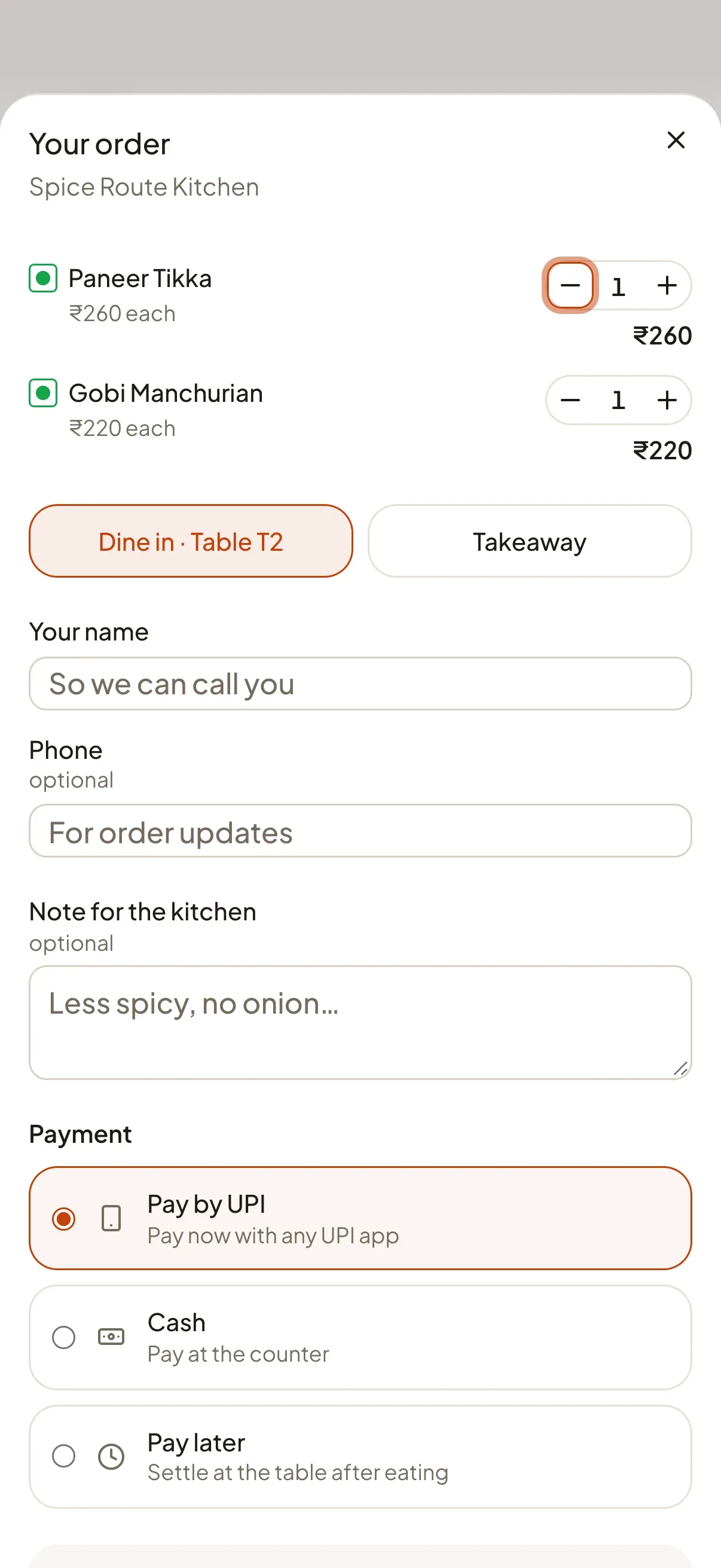
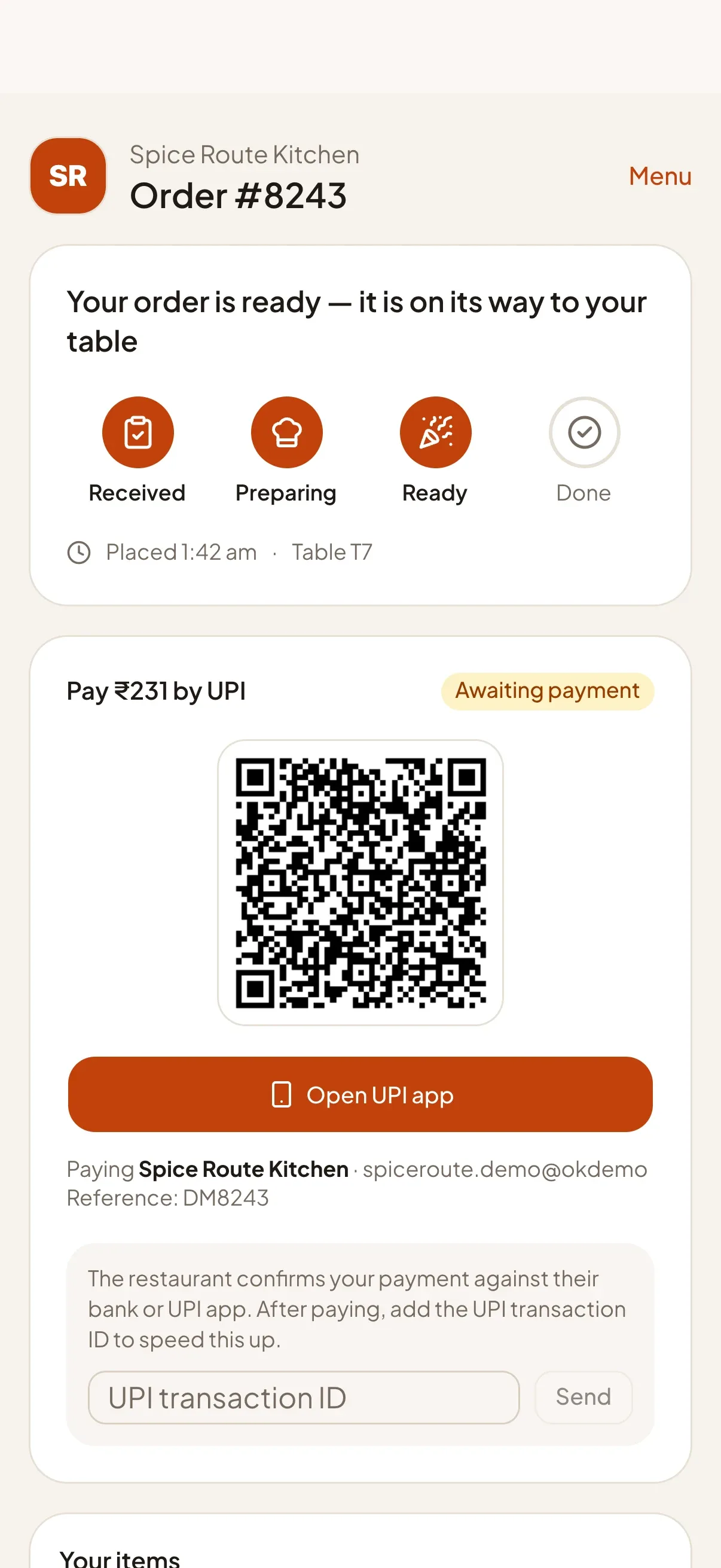
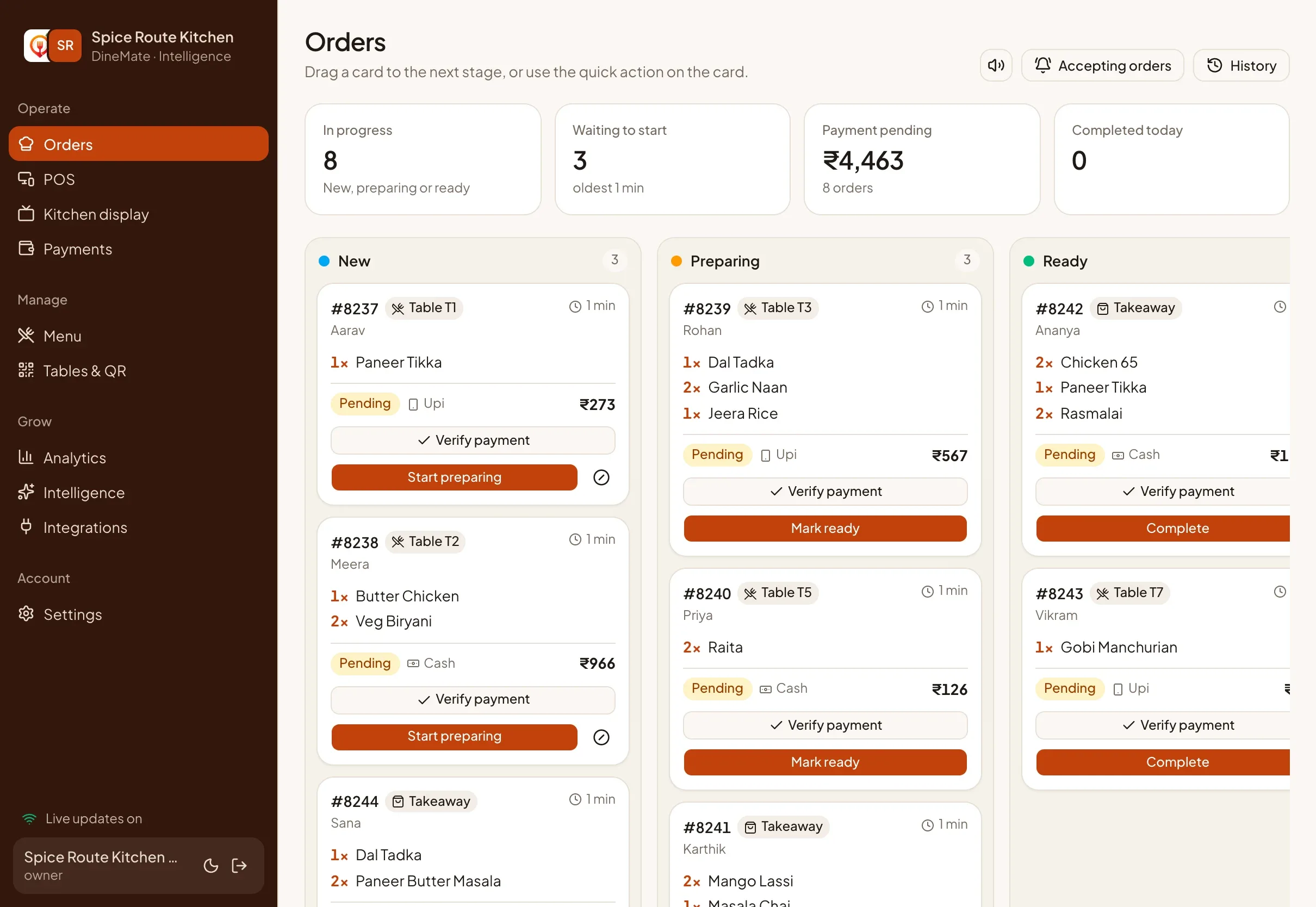
A guest scans the QR code on the table, or taps an NFC tag, and your menu opens in the phone browser. They pick items, choose dine-in or takeaway, and pay by UPI, cash or pay later. The order appears on your kitchen board the moment it is placed, and the guest watches it move from received to preparing to ready. When it is ready their phone buzzes.
What makes it work in India
- UPI first. Guests pay with any UPI app. The money goes to your own UPI ID, not through us.
- Honest payment status. A UPI QR alone is not proof of payment, so DineMate lets your cashier confirm it and records who did.
- Table-aware. Each QR is tied to a table, so the kitchen knows where to take the food. Print QR cards from the dashboard or write the link to an NFC tag.
- Prices stay safe. Order totals are recalculated on our server from your menu, so a guest cannot change a price.
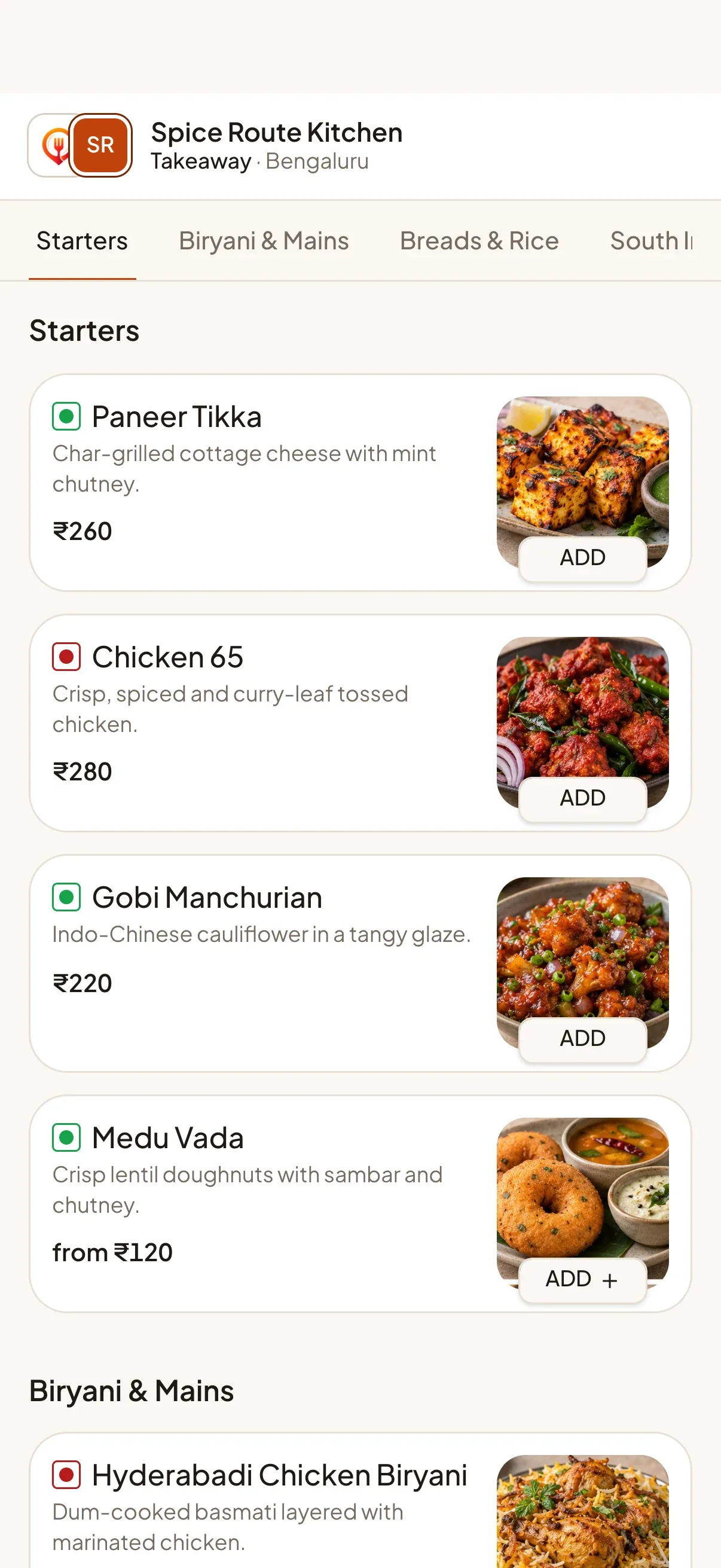
- Your branding. Guests see your colour, logo and cover photo, not ours.
Setting it up
Add your menu with photos, sizes and add-ons, create your tables, print the QR cards and you are live. There is no hardware to buy.
// Features
The features behind it
Each one has its own page with the details.
-
QR & NFC table ordering
Guests scan a QR code or tap an NFC tag, browse your menu and order from their own phone. No app, no sign-up.
Learn more -
UPI, cash & card tracking
Take UPI, cash or card, with a payment ledger you can trust. Confirmation stays with you unless a provider verifies it.
Learn more -
Live kitchen board & display
A real-time board moves every order from New to Preparing to Ready, with a full-screen kitchen display for the pass.
Learn more -
Real-time alerts
Live updates everywhere, plus optional push notifications for staff and "your order is ready" alerts for guests.
Learn more
// FAQ
Common questions
Short answers for this page. Want more? Write to us below.
01Do guests need to download an app?
No. The menu opens in the phone browser after a QR scan or NFC tap, and there is no sign-up.
02Can I use NFC as well as QR codes?
Yes. Each table has a link that you can print as a QR code or write to an NFC tag.
Built for
Works with
- Any UPI app
- Open-Meteo weather
- Firebase push
Start your 14‑day free trial
Set up your restaurant, print your table QR codes and take your first order today. Change or cancel your plan any time.
Start free trialNo credit card needed.