Counter POS
Restaurant POS software
A counter POS that runs in a browser, shares one kitchen board with your QR orders, and needs no special hardware.
14-day free trial. No credit card needed.


Last updated
One counter, one kitchen
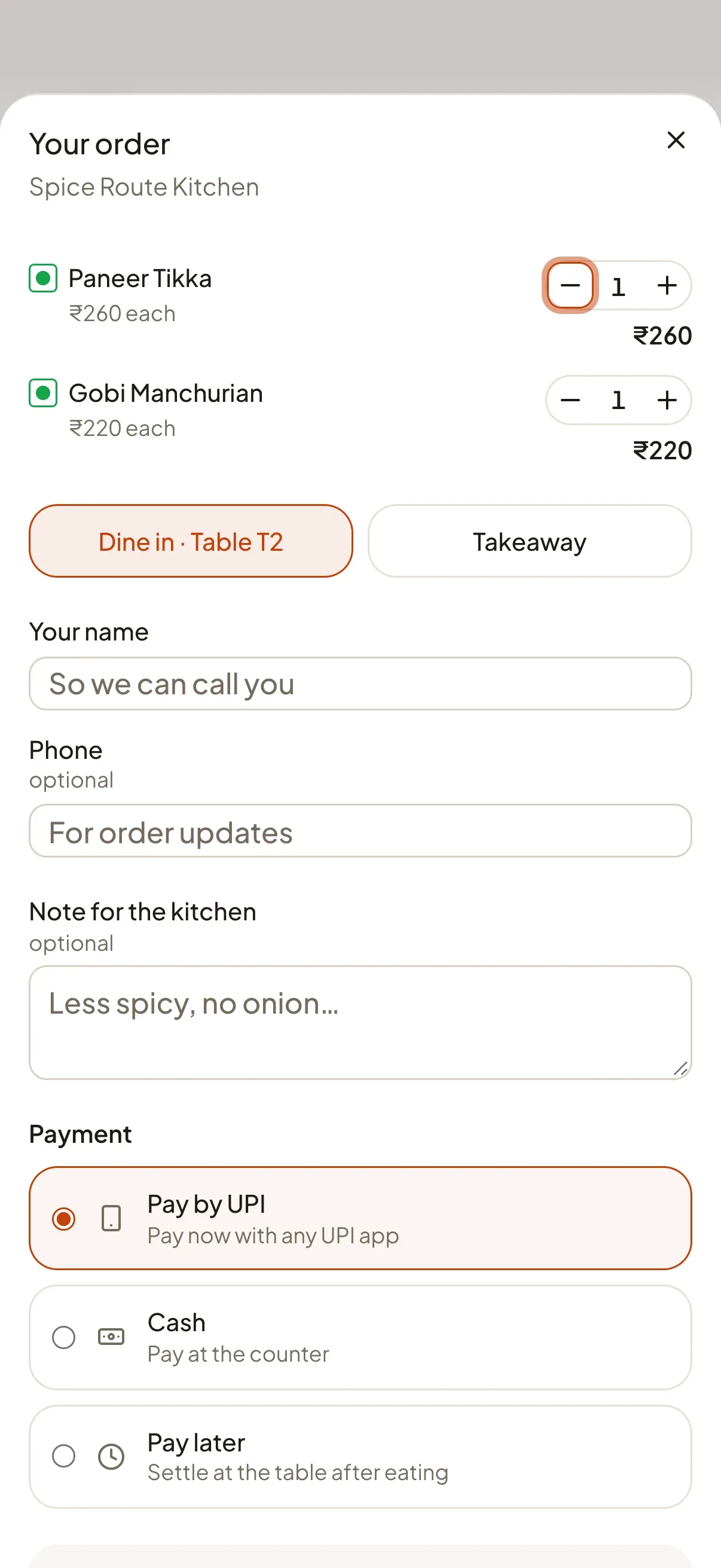
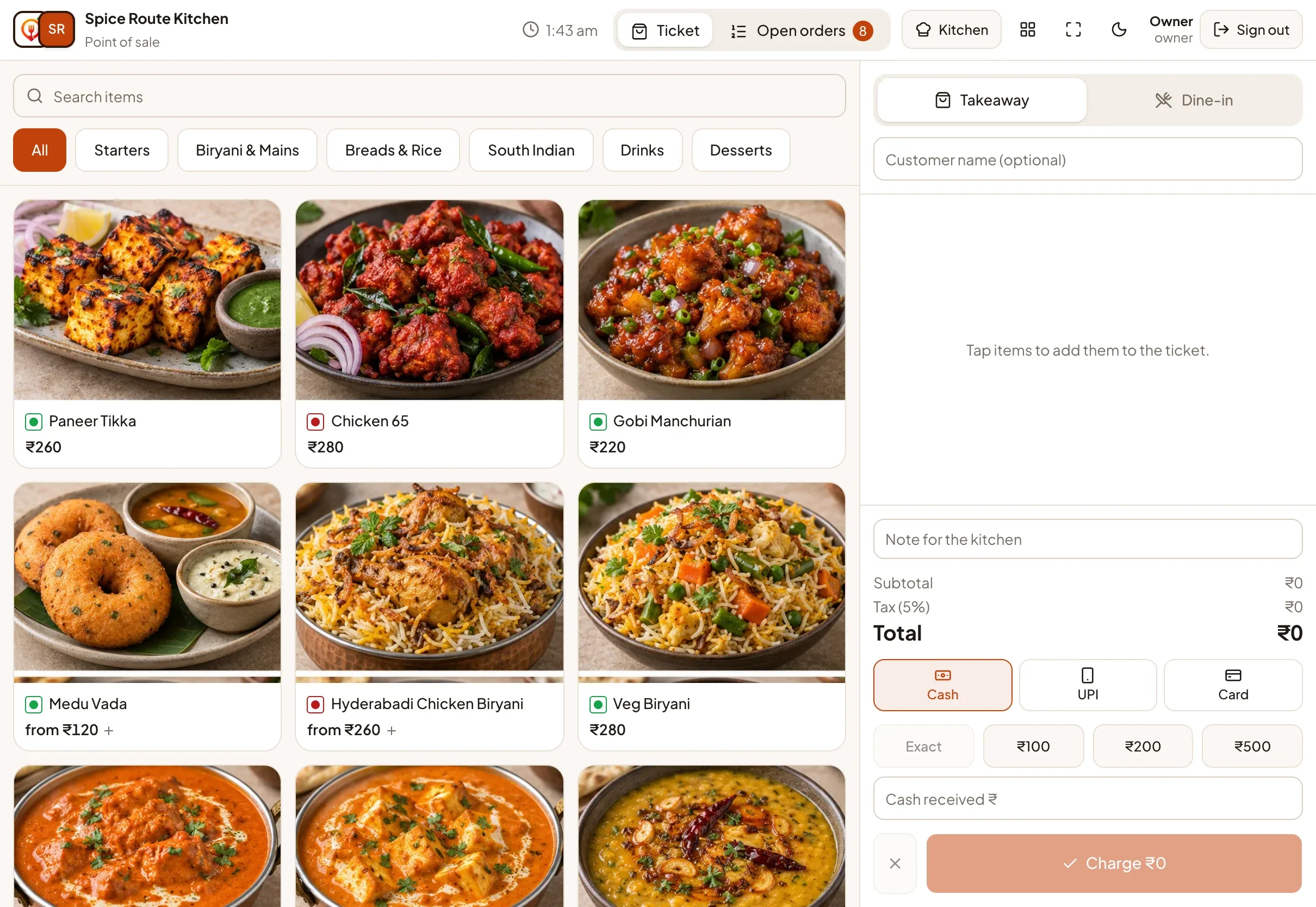
Cashiers take counter and takeaway orders on the POS screen. They land on the same kitchen board as QR orders from tables, so the kitchen has a single queue to work from. Prices are calculated on the server from your live menu, exactly as for guest orders.
What your team gets
- Cash and UPI at the counter, with printed receipts.
- Staff sign in with a PIN. Shared screens use a venue code, a staff code and a PIN, with a lockout after repeated wrong attempts.
- Four roles: owner, manager, cashier and kitchen, so each person sees only what they need.
- Kitchen display: a full-screen board with new, preparing and ready columns that updates live.
Already using another POS?
You do not have to replace it. On the Growth plan and above, DineMate can import menu and orders from your existing POS for analytics and forecasting. It is a one-way import, not a two-way integration; read the POS import details.
// Features
The features behind it
Each one has its own page with the details.
-
Counter POS & receipts
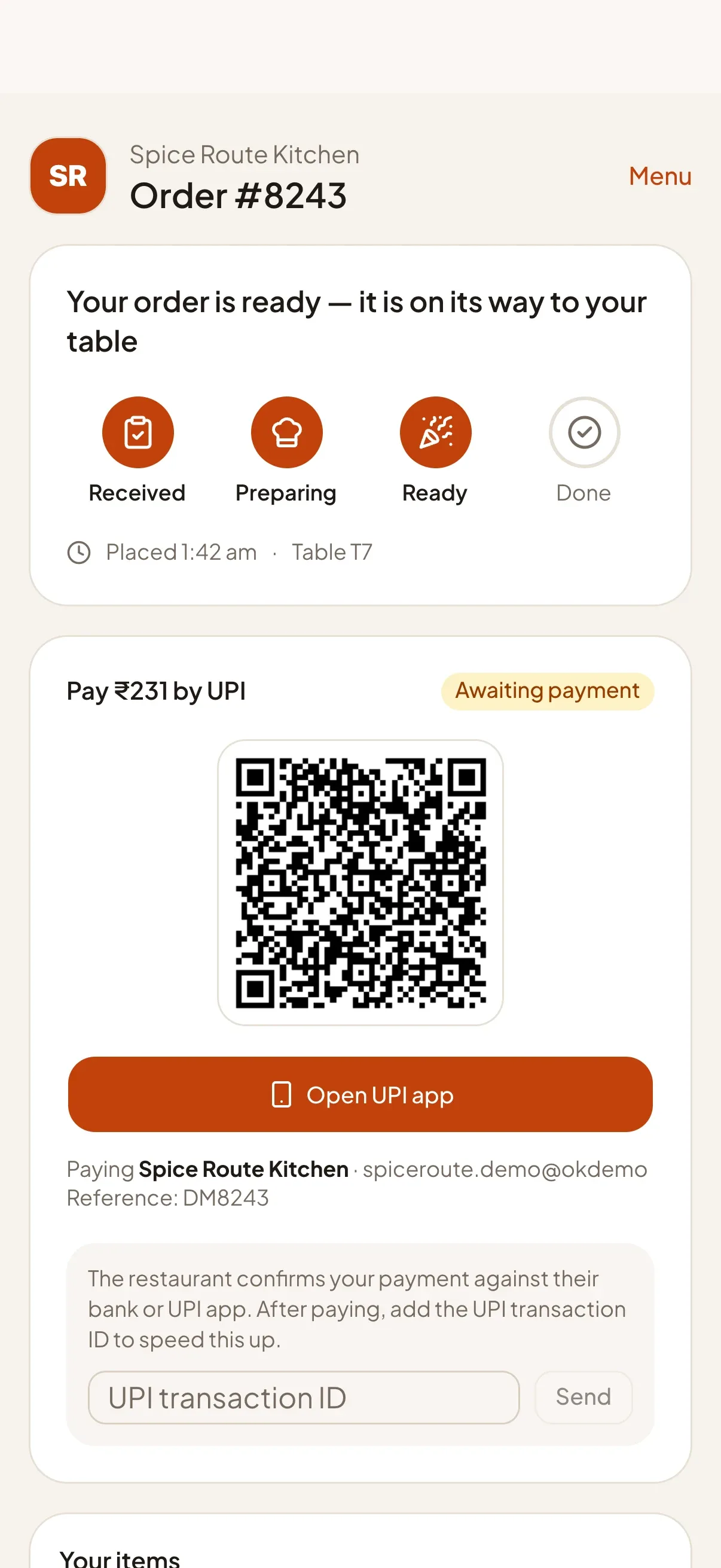
A full-screen point of sale for counter orders: quick cash entry, on-screen UPI QR and 80 mm receipts.
Learn more -
Live kitchen board & display
A real-time board moves every order from New to Preparing to Ready, with a full-screen kitchen display for the pass.
Learn more -
Staff roles & PIN sign-in
Owner, manager, cashier and kitchen roles, with fast PIN sign-in for shared screens.
Learn more -
Bring in your POS data Growth+
Already on a POS? Send your menu and orders into DineMate and keep one place for analytics and forecasting.
Learn more
// FAQ
Common questions
Short answers for this page. Want more? Write to us below.
01Does the POS need special hardware?
No. It runs in a modern browser on a tablet, phone or computer. Receipts print through the browser.
02Can the POS and QR orders share one kitchen board?
Yes. Counter orders and table QR orders appear on the same kitchen board.
Built for
Works with
- Any UPI app
- Open-Meteo weather
- Firebase push
Start your 14‑day free trial
Set up your restaurant, print your table QR codes and take your first order today. Change or cancel your plan any time.
Start free trialNo credit card needed.