Use case: Hotels & guesthouses
DineMate for hotels and guesthouses
Rooms work like tables: one QR per room lets guests order from your menu, and the kitchen sees exactly which room it is for.
14-day free trial. No credit card needed.


Last updated
Rooms as tables
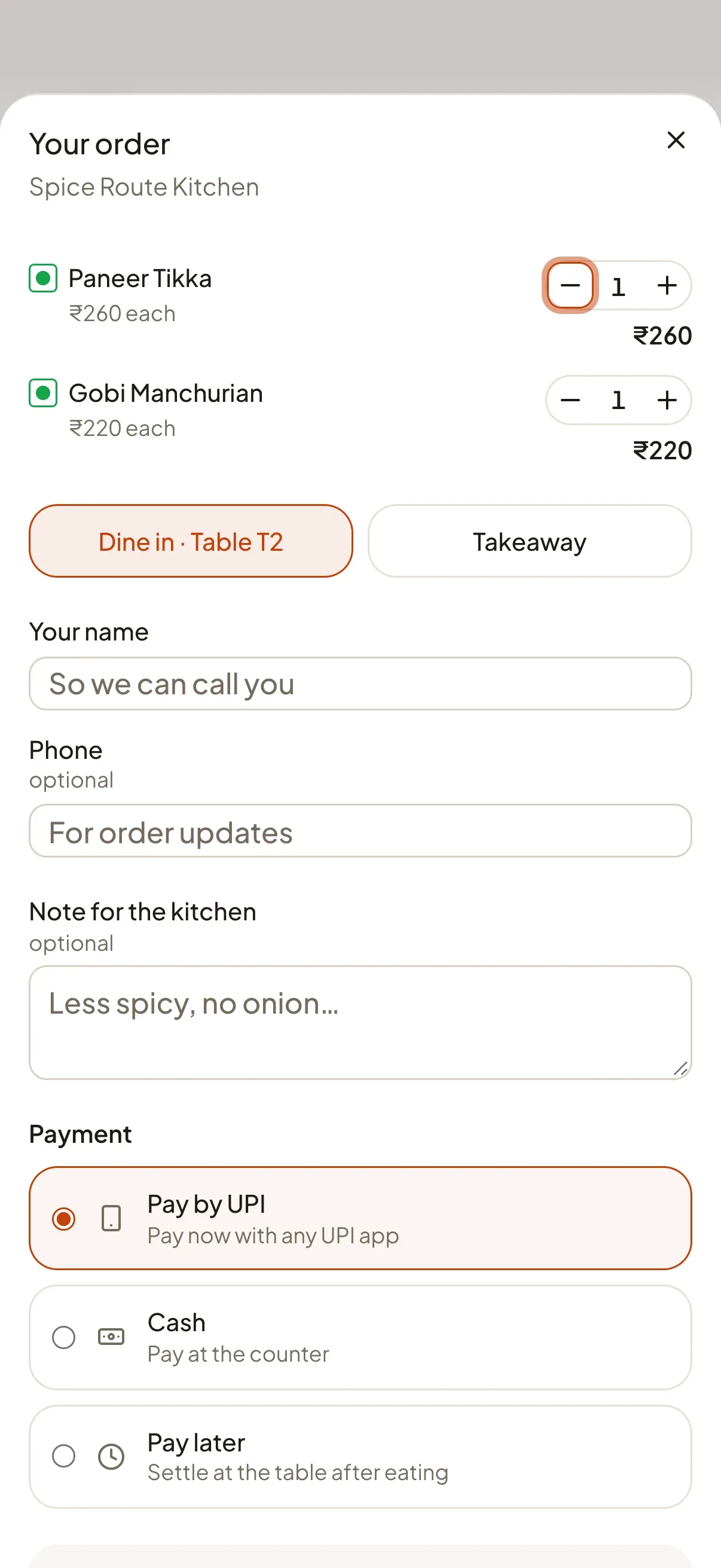
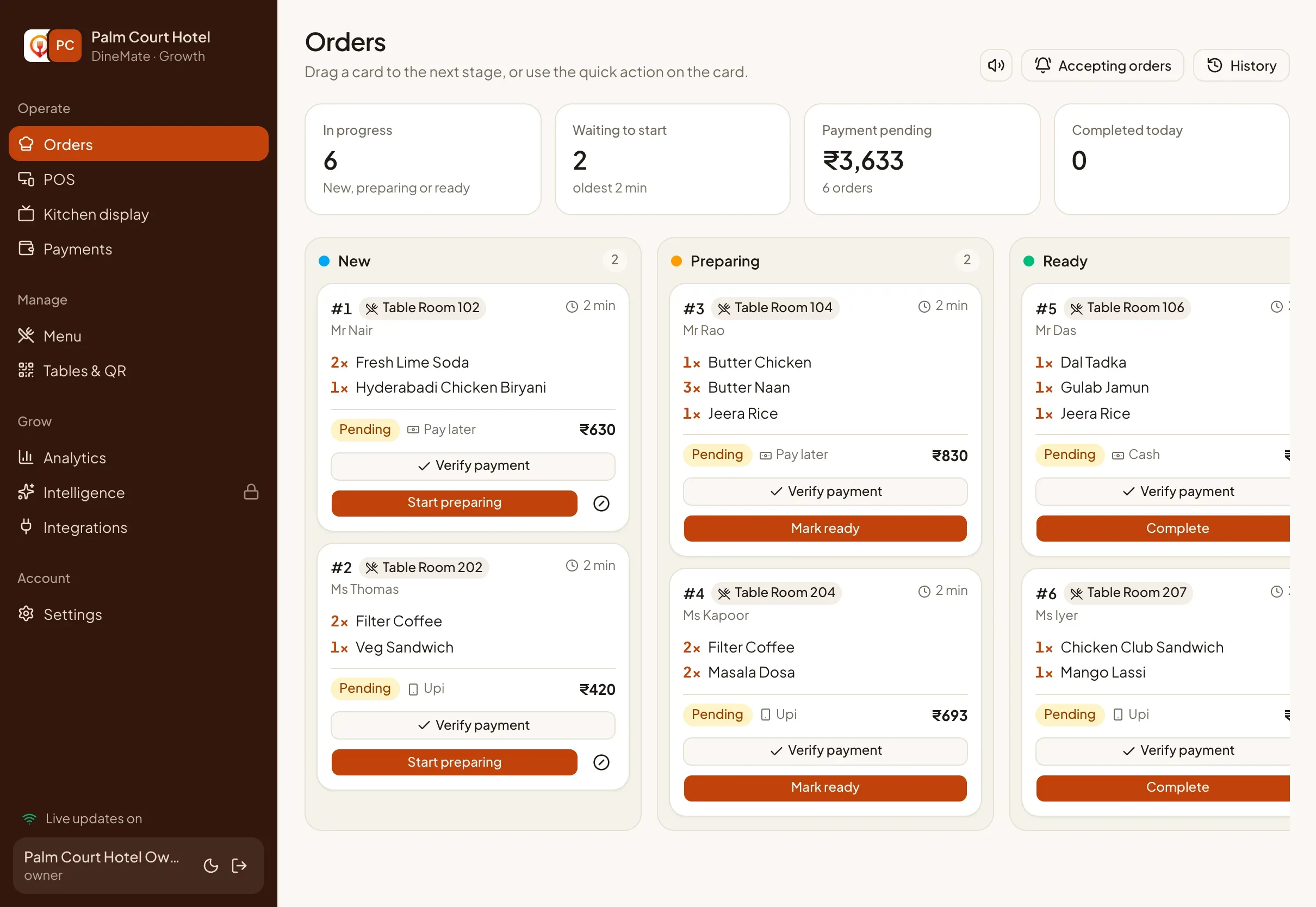
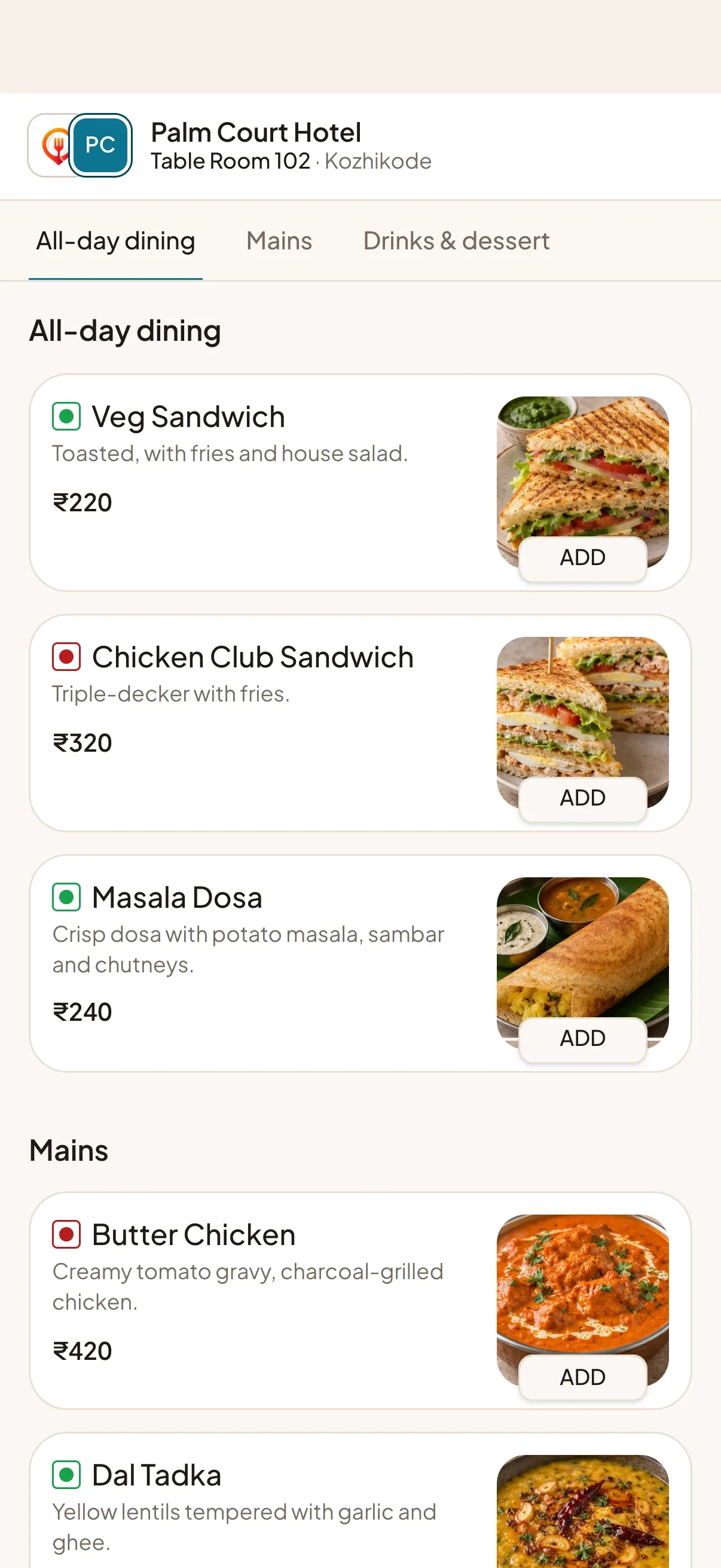
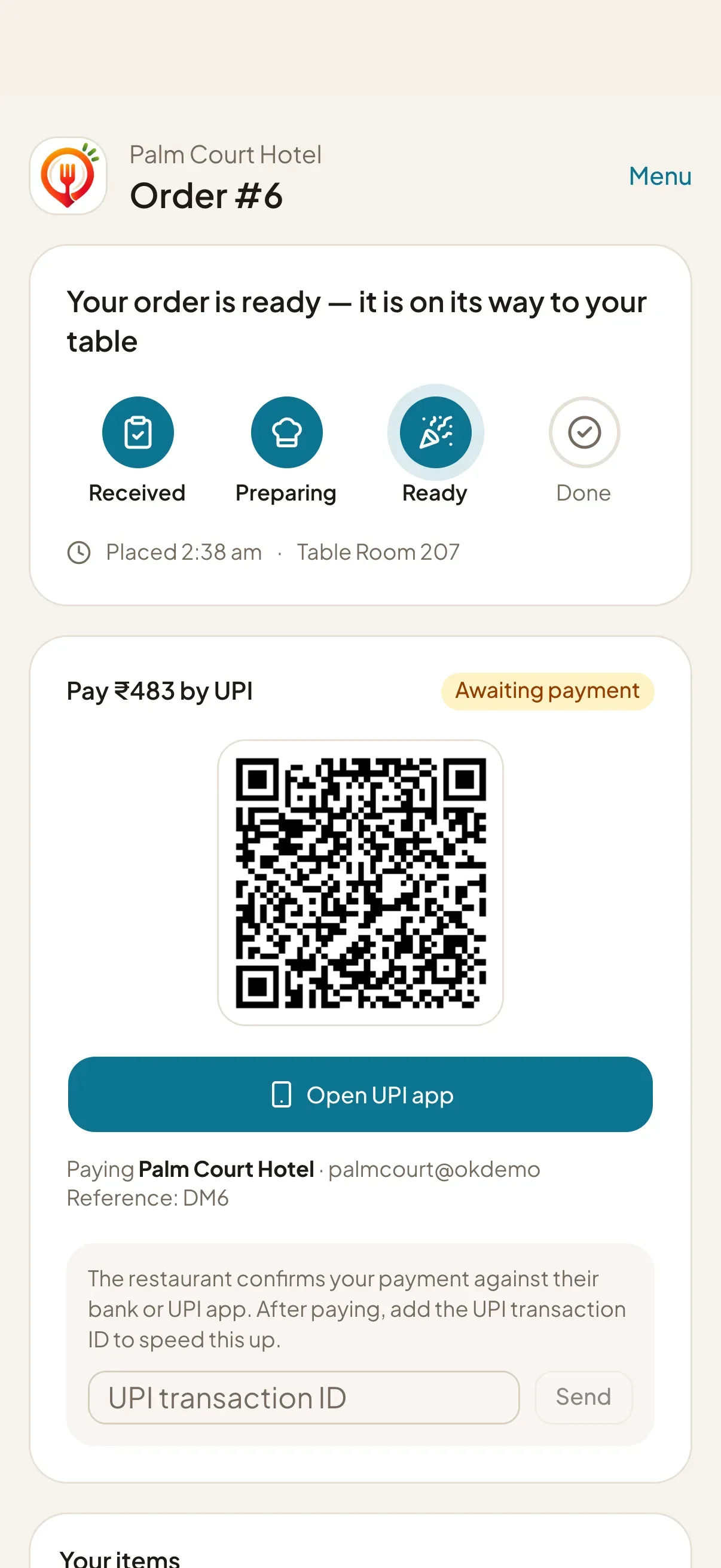
In DineMate every table has a label you choose. For a hotel or guesthouse, create one table per room, such as Room 204, and print its QR card from the dashboard. A guest scans the card in the room, sees your menu and orders. The ticket reaches your kitchen board labelled with the room, so the runner knows where to go.
Beyond rooms
- Lobby restaurant or café: use ordinary tables alongside your rooms.
- Pool, terrace or garden: label those spots as tables too.
- Banquets and counters: the counter POS covers walk-in and staff-entered orders.
What it does not do
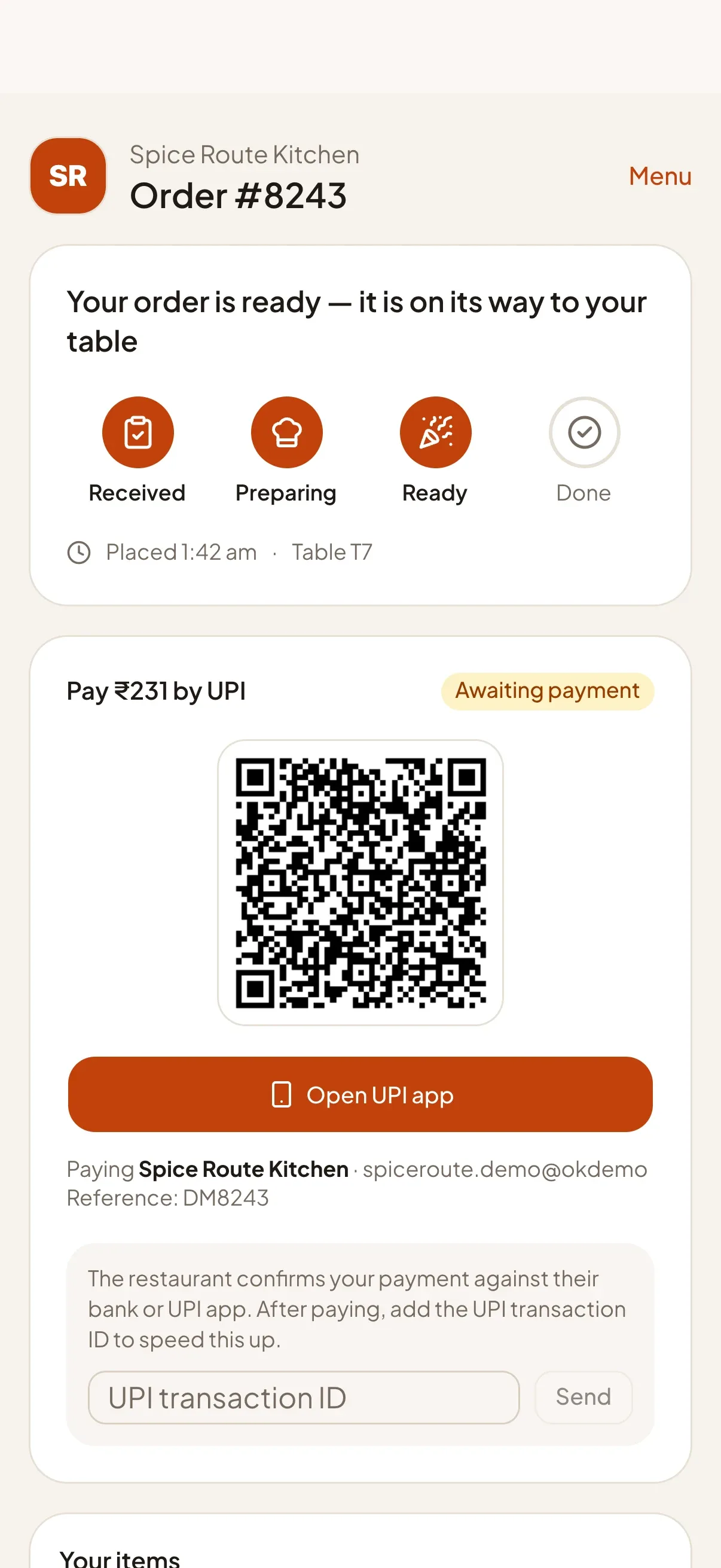
DineMate is not a hotel management system. It does not post charges to a room bill, manage bookings, housekeeping or check-in. Guests pay by UPI or cash, or choose pay later and settle with your staff, who confirm payment in the dashboard. If you need a room-bill integration, tell us what you use.
Practical details
The product calls every serving spot a “table”, so staff screens show tickets as “Table Room 204”. The room number is clear, and the wording is something we may refine.
Guests use the browser: no app and no account. The menu can show your hotel’s own colours, logo and photos. Staff sign in with PIN codes on shared kitchen and reception screens, and the Intelligence plan can forecast demand from your order history once there are at least 28 days of orders.
// Features
The features behind it
Each one has its own page with the details.
-
QR & NFC table ordering
Guests scan a QR code or tap an NFC tag, browse your menu and order from their own phone. No app, no sign-up.
Learn more -
Live kitchen board & display
A real-time board moves every order from New to Preparing to Ready, with a full-screen kitchen display for the pass.
Learn more -
UPI, cash & card tracking
Take UPI, cash or card, with a payment ledger you can trust. Confirmation stays with you unless a provider verifies it.
Learn more -
Menu, variants & add-ons
Edit prices, photos, sizes and add-ons yourself. Changes reach open menus and the POS instantly.
Learn more
// FAQ
Common questions
Short answers for this page. Want more? Write to us below.
01Can I name a table 'Room 204'?
Yes. Each table has a label you choose, so a room number works. Labels must be unique within your restaurant.
02Does it add charges to the guest's room bill?
No. DineMate is not connected to a hotel property management system. Guests pay by UPI or cash, or choose pay later and settle with your staff.
Built for
Works with
- Any UPI app
- Open-Meteo weather
- Firebase push
Start your 14‑day free trial
Set up your restaurant, print your table QR codes and take your first order today. Change or cancel your plan any time.
Start free trialNo credit card needed.